
One of the most common questions travelers have when switching to an eSIM is whether they can continue using their favorite messaging apps like WhatsApp, Telegram, and iMessage. The short answer is a resounding yes. Since these applications operate over an internet connection rather than traditional cellular voice lines, your TravelyData eSIM provides the perfect high-speed data bridge to keep you connected with friends, family, and colleagues without changing your digital identity.
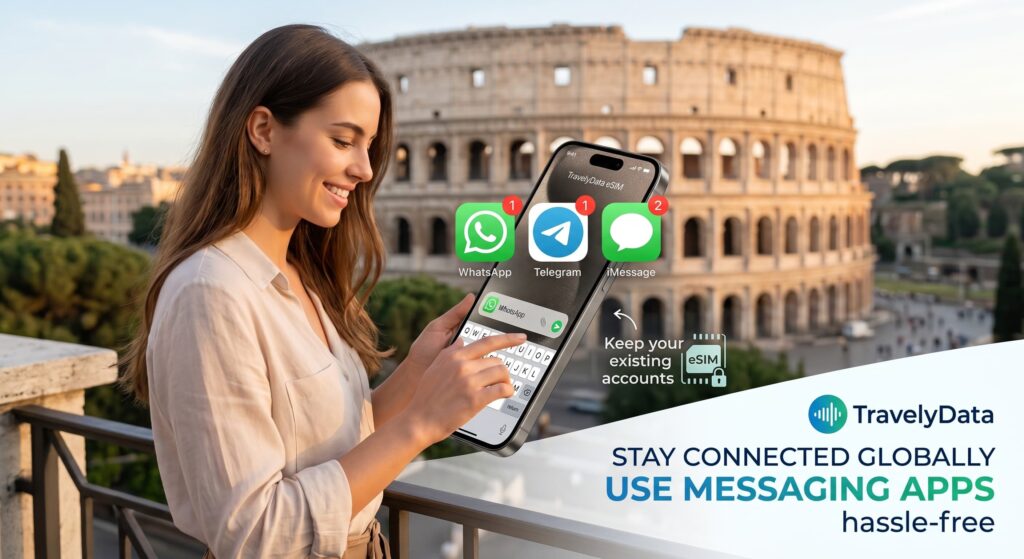
How WhatsApp and Telegram Work with eSIM
WhatsApp and Telegram are linked to your phone number, but they do not require that specific SIM card to be active or even present in the phone to function, as long as you have an active internet connection. When you install a TravelyData eSIM, you are simply adding a new data path.
- Keep Your Original Number: When you open WhatsApp after installing an eSIM, the app may ask if you want to change your number. Always select “Keep My Existing Number” to ensure your chats, groups, and contacts remain unchanged.
- Data Usage: Once the eSIM is activated and set as your primary data source, WhatsApp and Telegram will use the eSIM’s data to send messages, photos, and place VoIP calls.
- Verification: You do not need to re-verify your account unless you delete the app. If you do need to re-verify, ensure your primary SIM is temporarily active to receive the SMS code.
Using iMessage and FaceTime on iPhone
Apple’s iMessage and FaceTime services are deeply integrated into iOS and work seamlessly with Dual SIM technology. You can use your TravelyData eSIM for data while keeping your iMessage tied to your original phone number.
- Go to Settings: Navigate to Settings > Messages and ensure iMessage is toggled ON.
- Send & Receive: Tap on “Send & Receive” to confirm that your original phone number and Apple ID email are checked.
- Default Data: Go to Settings > Cellular and set your TravelyData eSIM as the “Cellular Data” source. Ensure “Allow Cellular Data Switching” is off to avoid roaming charges on your primary line.
- Primary Line for Voice: Keep your home SIM as the “Default Voice Line” if you wish to remain reachable for standard SMS and calls, but remember that roaming charges from your home carrier may apply for those specific services.
Key Benefits of Using Messaging Apps via eSIM
Using an eSIM for your messaging needs offers several advantages over traditional roaming or local physical SIMs:
- Seamless Transition: There is no need to notify your contacts that you are traveling; your profile remains exactly the same.
- Cost Efficiency: Avoid the exorbitant data roaming fees usually charged by home carriers for sending media files or making video calls.
- Security: Since you aren’t swapping physical cards, there is no risk of losing your primary SIM card while abroad.
Troubleshooting Tips
If you find that your messages are not sending, first verify that your eSIM has been successfully activated and that Data Roaming is turned ON in your device settings for the TravelyData profile. For iMessage specifically, if your number appears grayed out, try toggling iMessage OFF and then back ON while connected to a stable Wi-Fi or eSIM data connection to refresh the registration with Apple’s servers.
