Disclosure: This post contains affiliate links. If you click a link and make a purchase, we may receive a small commission at no extra cost to you.
I still remember getting lost in Tokyo at 1:00 AM after my phone battery died and my physical SIM card failed to connect. I was trying to find a hidden ramen shop in the back alleys of Shinjuku, but without a digital map or GPS, I was completely blind. That night taught me a lesson that every modern traveler eventually learns: navigating foreign countries today is powered entirely by our smartphones. However, you do not need a hundred different apps cluttering your home screen. You just need five essential tools that, when kept online, will turn any chaotic foreign city into an easy walk in the park.
The smartest travel preparation you can make is securing your digital connectivity before you depart. By installing a prepaid Global eSIM, you can ensure your apps remain connected to high-speed networks the moment you land, without paying exorbitant daily roaming rates to your home carrier.

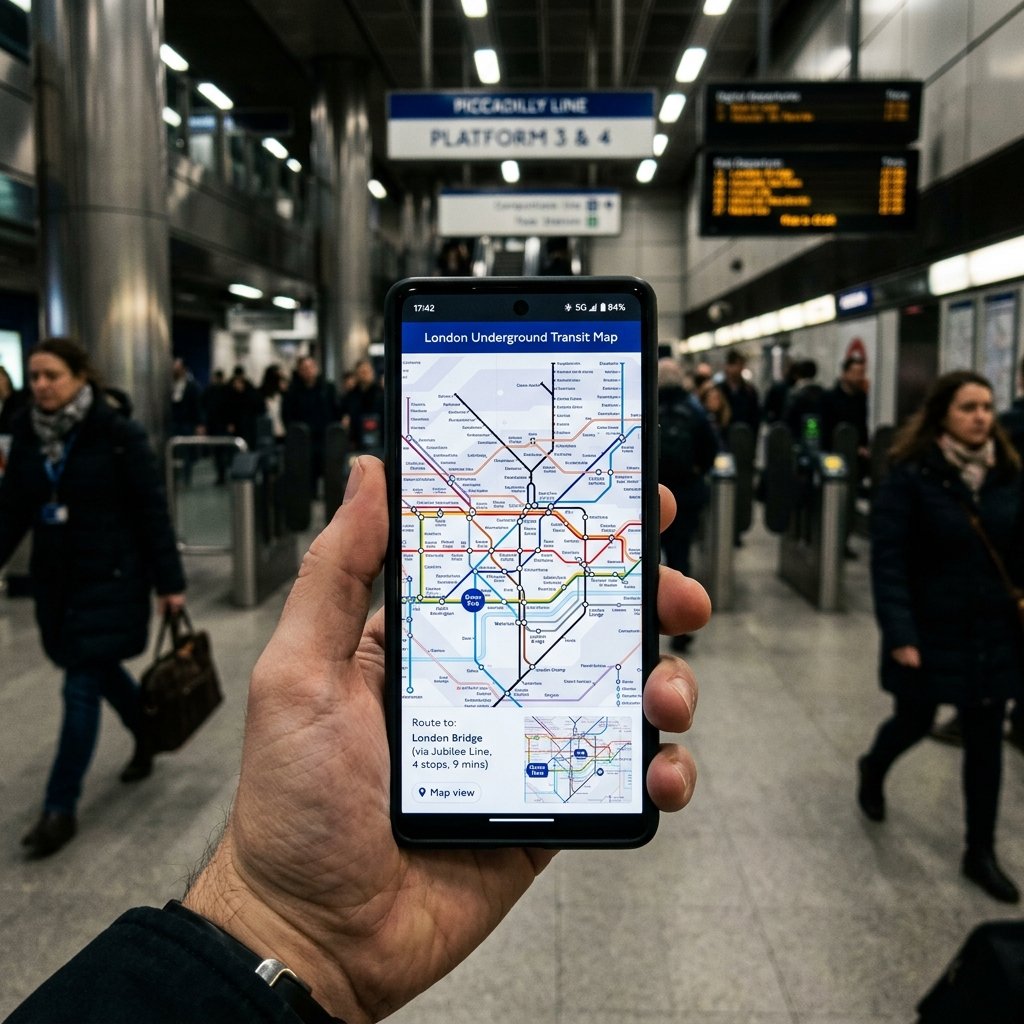
1. Google Maps: Navigating the Global Maze (And the Blind Spots)
Whether you are trying to figure out which subway platform to stand on in Paris or locating a tiny street food vendor in Bangkok, Google Maps is your best friend. The app provides real-time public transit schedules, lane guidance, and walking directions in almost every corner of the globe. Always download your destination’s offline map area before leaving home. This ensures you can still use GPS navigation, search for hotels, or locate emergency services even if your mobile signal drops to zero.
Keep in mind that Google Maps has major blind spots. If you are traveling to South Korea, national security laws restrict foreign map data, meaning Google Maps cannot provide walking or transit routes. You must download Naver Map or KakaoMap instead. For Mainland China, Google Maps is blocked by firewalls and lacks updated data. You will need to rely on Amap (Gaode Maps), Baidu Maps, or use Apple Maps (which partners with Amap inside China for accurate routing).
2. Google Translate: Camera Overlays and Bilingual Chats
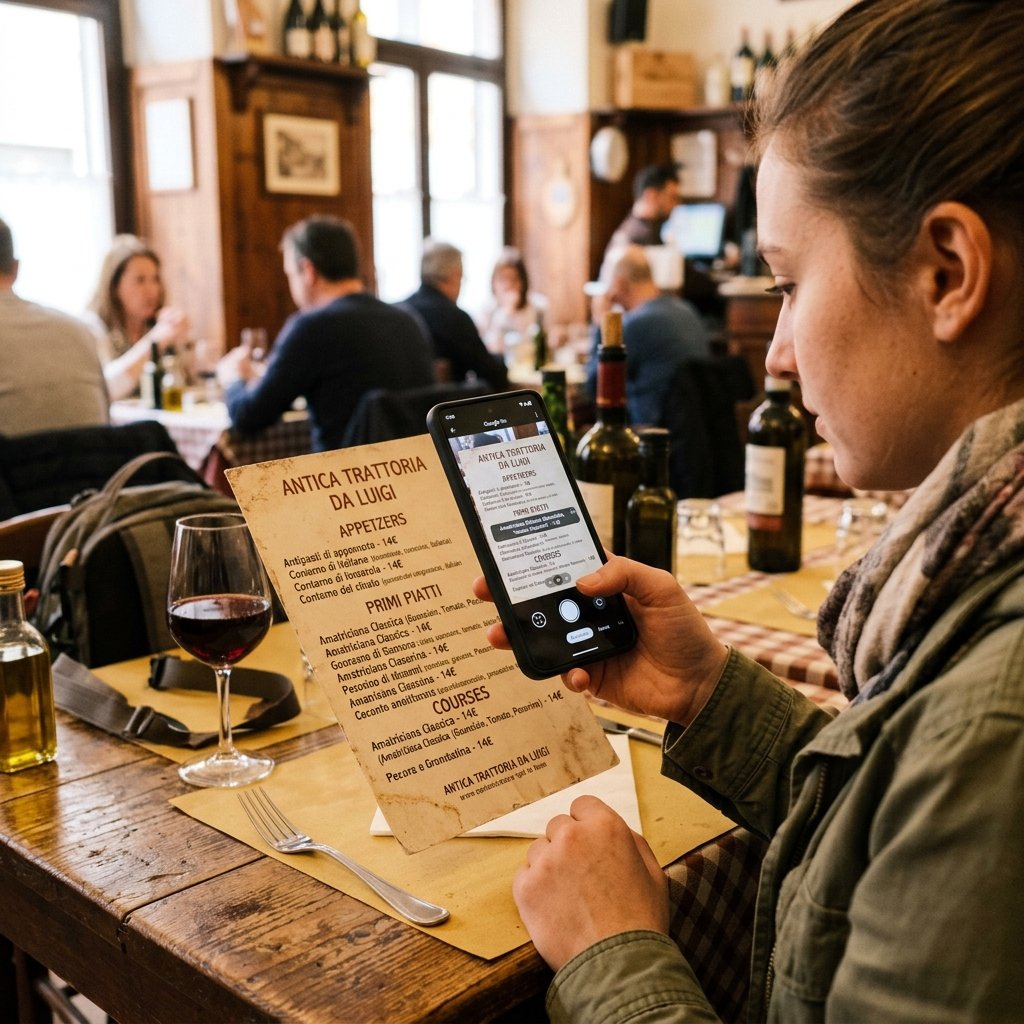
Language barriers can turn simple tasks like ordering dinner or reading train timetables into a guessing game. Google Translate makes communication incredibly simple. Its camera translation feature is a lifesaver—point your camera at a menu, street sign, or ticket kiosk, and the app instantly overlays the translation on your screen in real-time. Make sure to download the offline language packs for your destination. This keeps you connected to local signage even when you have no signal. For spoken conversations with taxi drivers or hotel hosts, the real-time conversation mode acts as your personal translator.
3. XE Currency: Keeping Track of Foreign Exchange Rates Offline
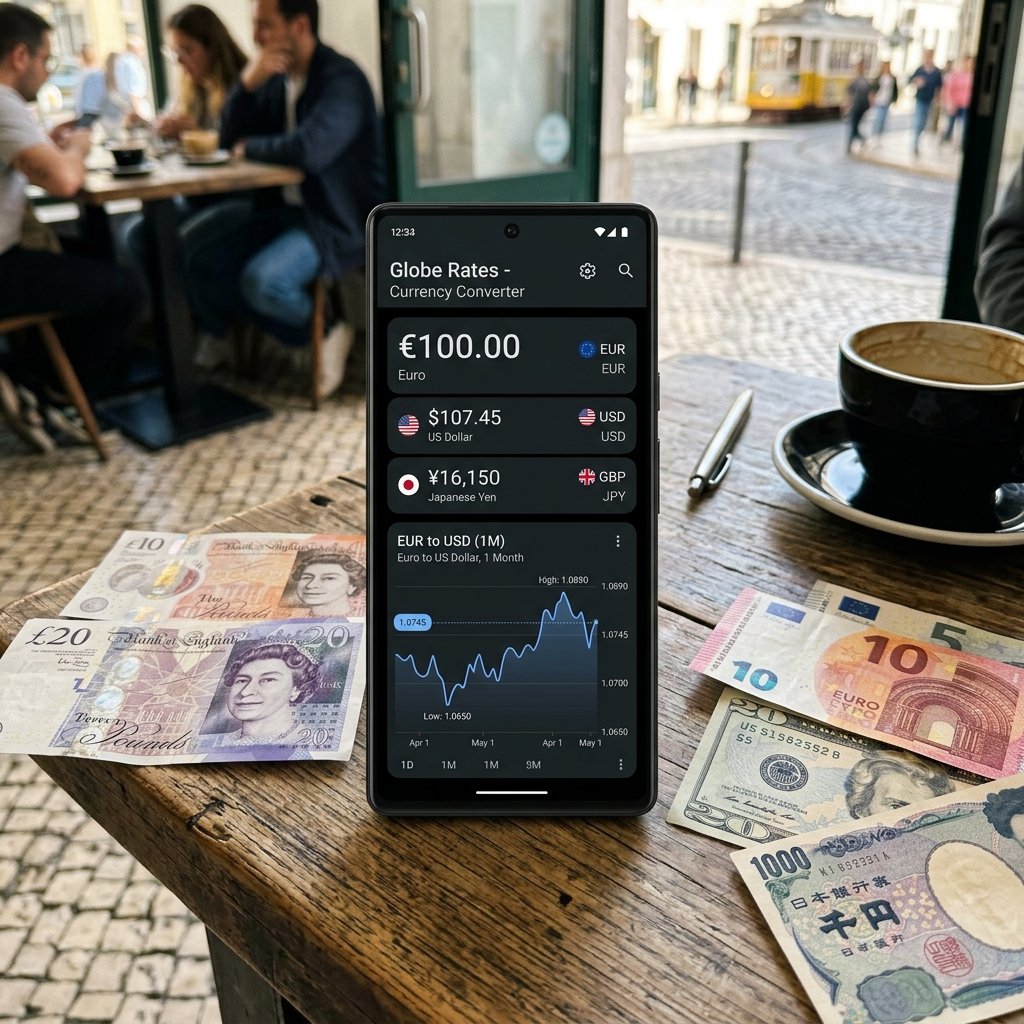
It is incredibly easy to lose track of your budget when you are constantly calculating conversions in your head. XE Currency is the gold standard for tracking currency exchange rates. It displays live rates for every currency in the world. The best part is its offline capability—it automatically caches the latest rates so you can calculate prices at a local market or store without needing an active data connection. This prevents you from getting ripped off during spontaneous purchases.
4. Local Ride-Sharing & Mobile Payment Apps: Navigating Like a Local
Hailing a random street taxi in a foreign country can be a gamble, often leading to inflated cash-only fares or destination confusion. Ride-sharing apps solve this by linking your credit card and tracking your ride via GPS. Make sure to download the dominant app for your destination: Uber for Western Europe and North America, Grab for Southeast Asia, or Bolt for Eastern Europe, Central Asia, and parts of Africa. For South Korea, Kakao T is the absolute standard for booking local cabs, as international apps are rarely used there.
In cashless societies like China, you must download Alipay or WeChat Pay. You can link your international credit card (Visa/Mastercard) directly to these apps without a Chinese bank account. Identity verification requires a passport photo upload and facial scan. Do this before you leave home to avoid security freezes. Transactions of ¥200 RMB or less are completely free of service charges, while a 3% fee applies to transactions above ¥200 RMB.
5. TravelyData eSIM: The Foundation of Your Connected Travel Stack
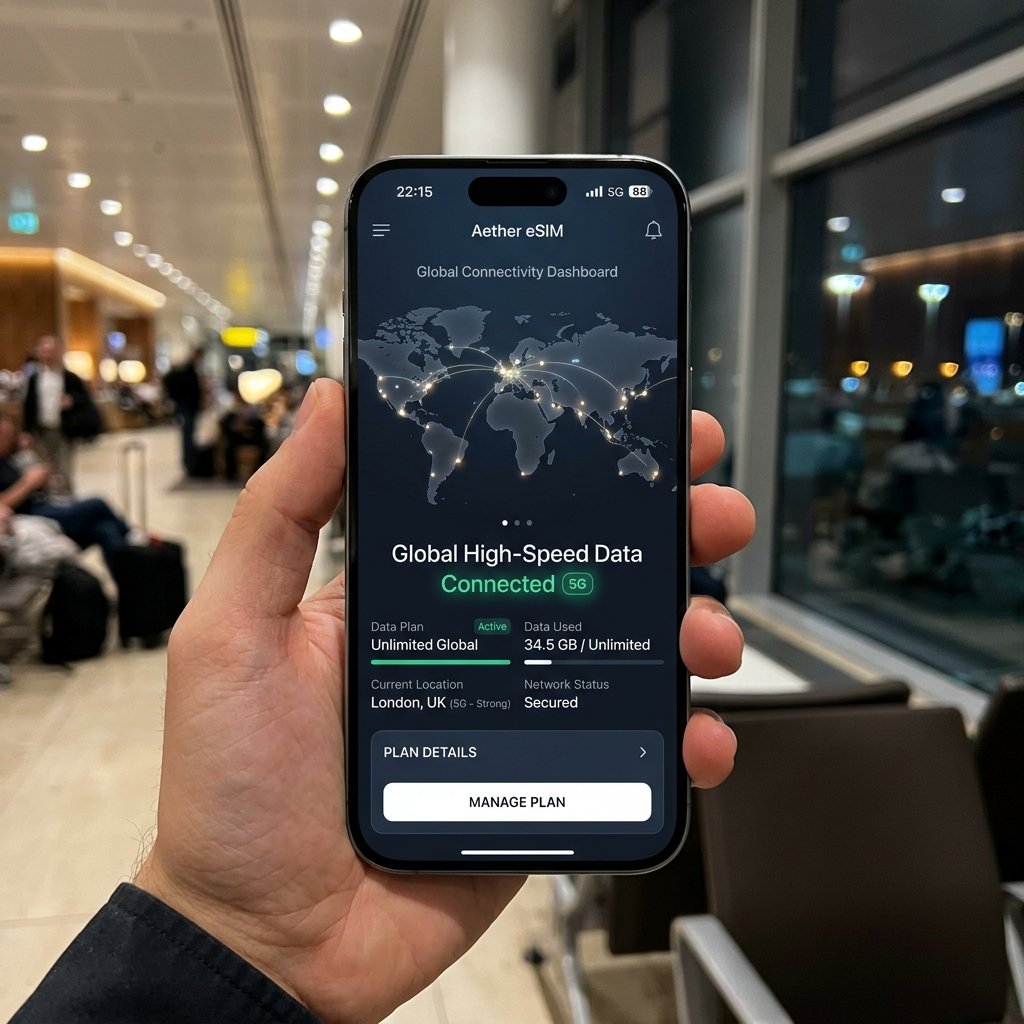
While all of these apps are incredibly useful, they require mobile data to work at their full potential. Ordering an Uber, using live GPS tracking, or translating spoken conversations requires a stable internet connection. Paying daily roaming fees to your home carrier is expensive, and swapping out physical SIM cards is inconvenient. A digital travel eSIM from TravelyData lets you download a local data plan before you depart. The moment you land, your phone automatically connects to local high-speed 4G/5G networks. Best of all, you can keep your original physical SIM active to receive bank security SMS OTPs, while using TravelyData for cheap mobile data.
Frequently Asked Questions
Q: Do these travel apps work without internet?
A: Google Maps and Google Translate both allow you to download offline databases (maps and language packs) before you depart. XE Currency also stores the last updated exchange rates. However, ride-sharing apps and real-time transit updates require a stable internet connection.
Q: What is the best ride-sharing app to use globally?
A: It depends on your region. Use Uber in North America and Western Europe, Grab in Southeast Asia, and Bolt in Eastern Europe, Central Asia, and parts of Africa.
Q: Why should I choose a TravelyData eSIM over a local physical SIM card?
A: A TravelyData eSIM can be purchased and activated digitally before you travel, giving you instant connectivity when you land. It also allows you to keep your primary physical SIM card active in your phone so you can continue to receive bank security SMS OTPs.
Q: Will using a TravelyData eSIM disable my original phone number?
A: No, most modern smartphones support dual SIM standby. You can configure your phone to use the TravelyData eSIM for mobile data while keeping your physical SIM active for voice calls and text messages.