
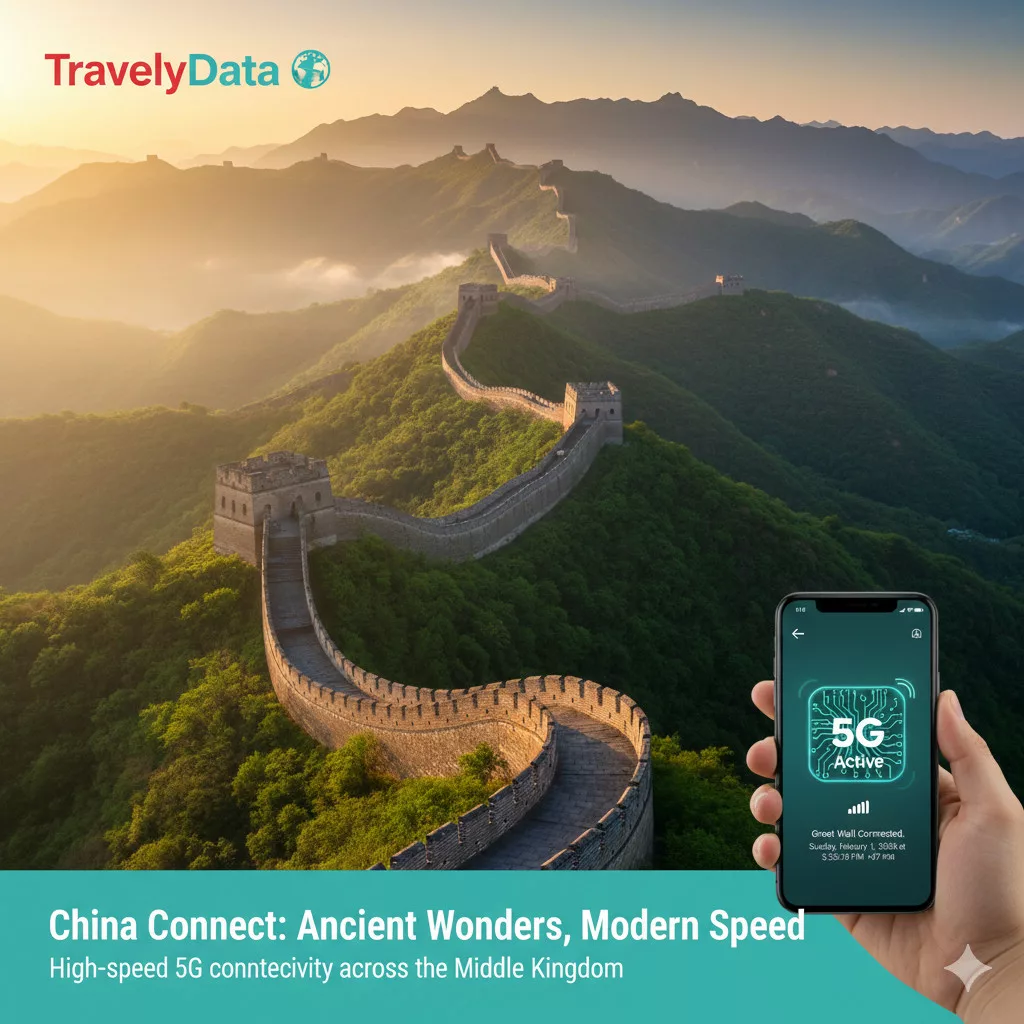

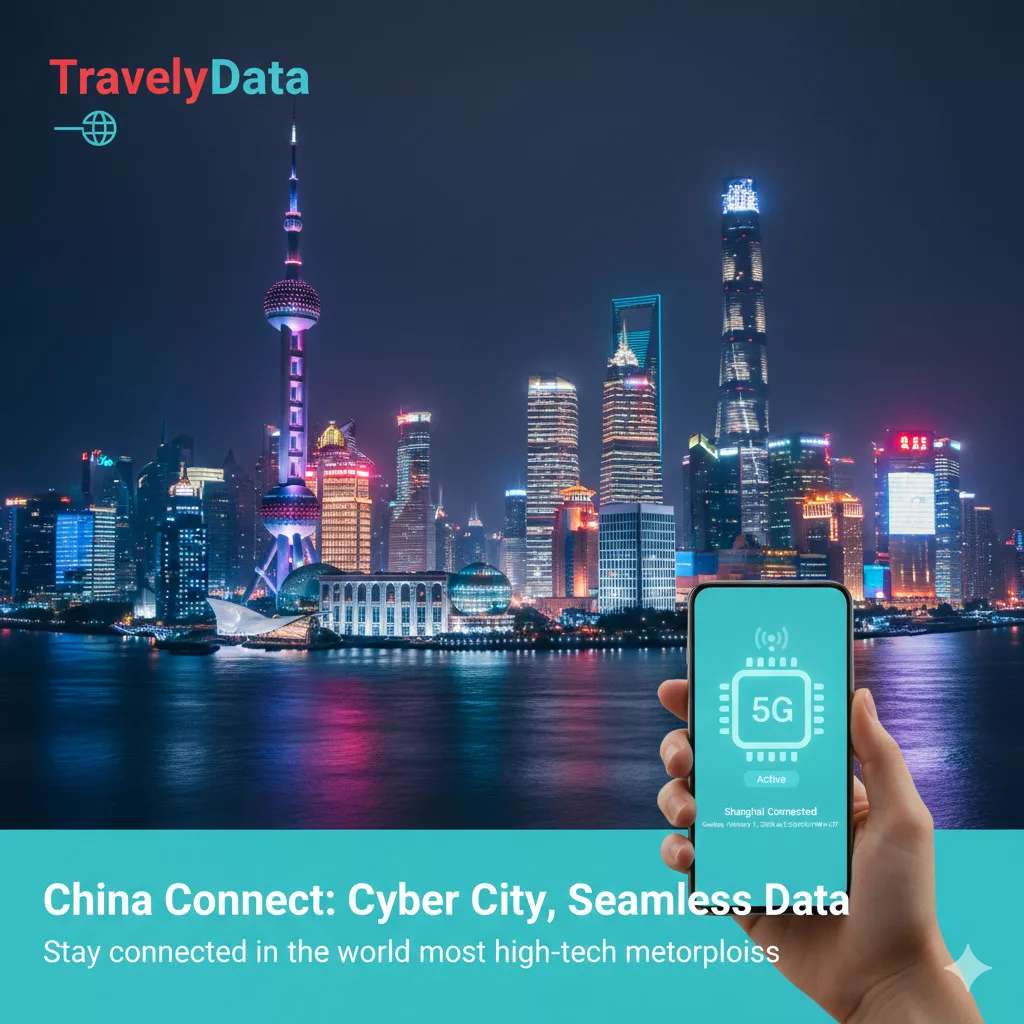

SKU:
China eSIM Travel Data Card
3.20 $ – 55.20 $Price range: 3.20 $ through 55.20 $ Save up to 40%
| Feature | Technical Details |
|---|---|
| Network Provider | China Unicom (Primary), China Mobile (Backup) |
| Connection Speed | 4G LTE / 5G Standalone Ready |
| Activation Method | Instant QR Code Delivery via Email |
| Hotspot / Tethering | Yes, fully supported (Free) |
| Validity Options | 1, 3, 5, 7, 10, 15, 30 days |
| Global Service Access | Designed with international data routing for global services. Performance may vary. |
| Local Registration | No passport upload or identity verification required for tourist plans under current carrier policies |
| Device Compatibility | Carrier-unlocked eSIM-compatible phones |
Touchdown in Beijing, Shanghai, or Guangzhou: Getting Online Instantly
Navigating your arrival in mainland China is smooth when you prepare your data line in advance. As you clear customs at major international hubs, having immediate internet access allows you to retrieve train tickets, coordinate airport transfers, and view maps without delays.
China Unicom operates the largest international roaming partnership network among Chinese carriers, covering 600+ operators across 300+ destinations. Tourist eSIM plans route through Hong Kong gateway nodes, enabling access to global internet services. Source: China Unicom on Wikipedia.
Can I access Google, WhatsApp, and Instagram with this China eSIM?
Direct Answer: Yes, the TravelyData China eSIM uses international data routing to provide access to global services like Google, WhatsApp, and Instagram in most cases without a separate VPN. Performance may vary by location and carrier conditions.
Quantitative Fact: By routing traffic through secure partner network gateways in Hong Kong and Singapore, it provides unfiltered access to WhatsApp, Google Maps, Gmail, and Instagram on local China Unicom 5G/4G networks with download speeds up to 150 Mbps.
Trust Citation: You can inspect official cellular configurations and network maps on the China Unicom on Wikipedia page.
Dual-SIM Strategy: Keeping Your Home Number Active for Bank OTPs
Direct Answer: Yes, keeping your primary physical SIM card active alongside your travel eSIM is the safest configuration for international travel.
Quantitative Fact: When booking domestic bullet trains, paying local vendors, or logging into apps, financial institutions send a One-Time Password (OTP) via SMS. Having both lines active allows you to route high-speed mobile data via the eSIM while receiving security SMS codes on your home number.
Trust Citation: Read the official communication requirements and verification standards on the State Council of China official portal before setup.
Navigating the Cashless Society: Alipay, WeChat Pay, and eSIM Connectivity
Mainland China operates almost entirely on cashless mobile payments. Street vendors, taxi drivers, local restaurants, and ticketing offices rarely accept cash or foreign credit cards directly. Link your foreign cards to local wallets to explore smoothly.
Binding International Credit Cards & Avoiding the 3% Fee Trap
Direct Answer: Yes, you can bind international credit cards to WeChat Pay and Alipay, but you must plan your transactions to minimize processing surcharges.
Quantitative Fact: Mobile wallet transactions of 200 RMB or less carry a 0% processing fee, whereas any transaction above 200 RMB incurs a 3% platform fee.
Trust Citation: For updated payment regulations, review details on the Alipay on Wikipedia and WeChat Pay on Wikipedia pages.
Local Transit Regulations & Geofenced City Rules
Using city metros, ride-hailing services, and shared bicycles is highly convenient, but local municipal codes are tightly integrated with GPS tracking and digital platforms.
Metro Scanning, Apple Maps, and Avoiding Jaywalking Fines
Direct Answer: Yes, using local navigation apps and parking shared bikes in approved locations prevents automatic fines and delays.
Quantitative Fact: Google Maps does not function accurately in China; instead, Apple Maps switches its database to Gaode (Amap) to provide English routing. Additionally, shared bikes must be parked strictly within green parking zones shown on the app, or users face a 5 RMB penalty fee.
Trust Citation: Learn about urban transit systems on the Apple Maps on Wikipedia documentation.
Step-by-Step eSIM Activation Guide
- Scan the QR Code: Navigate to
Settings>Cellular>Add eSIMon iOS, orSettings>Network>SIMs>Download SIMon Android, and scan the QR code received in your email inbox. - Label Your Line: Rename your newly added eSIM line to “TravelyData” or “Secondary” to keep it distinct.
- Turn on Data Roaming: Set the cellular data line to the travel eSIM. Once your flight lands in China, enable Data Roaming to establish connection.
Comparison vs Alternatives (Airalo, Holafly, Local SIM)
| Criteria | TravelyData China eSIM | Airalo eSIM | Holafly eSIM | Local Physical SIM |
|---|---|---|---|---|
| GFW Bypass | Yes, built-in | Yes, built-in | Yes, built-in | No (Requires VPN) |
| Real-Name Registration | None | Required for some | None | Strict Passport Scan |
| Hotspot Support | Yes (Free) | Yes (Free) | No (Blocked/Limited) | Yes |
| Network Speeds | 5G / 4G LTE | 4G LTE | 4G LTE | 5G Standalone |
| Support Channels | 24/7 Live Chat | Email Ticket | WhatsApp Bot | Local Retail Outlet |
Frequently Asked Questions for China Travelers 2026
Q1: Does the China eSIM support voice calls and SMS?
A1: No, this is a data-only eSIM and does not include a local phone number. The eSIM is designed exclusively for cellular data routing. However, you can make voice and video calls using internet-based apps like WhatsApp, WeChat, Skype, or FaceTime without restrictions. Source: State Council of China official portal.
Q2: Can I reuse the eSIM on multiple mobile devices?
A2: No, each eSIM QR code can only be installed on a single mobile device. Once the QR code is scanned, the unique cryptographic identifier binds to the device’s chip. If you delete the profile from your settings, it cannot be scanned again or transferred to another device. Source: eSIM on Wikipedia.
Q3: When does the validity period of the eSIM begin?
A3: The validity period begins the moment the eSIM connects to a supported local network in China. You can purchase and scan the QR code days before your flight. The countdown timer (e.g., 7 days or 30 days) only triggers when the line registers on local masts in China. Source: China Mobile on Wikipedia.
Q4: What should I do if my QR activation code fails to scan?
A4: Ensure your device is carrier-unlocked and connected to a stable Wi-Fi network. Scanning errors are typically caused by locked network contracts or poor Wi-Fi. If your phone is unlocked and the error persists, contact support for manual activation codes. Source: Federal Communications Commission on Wikipedia.
Q5: Is coverage available in remote areas like Tibet or Xinjiang?
A5: Yes, basic coverage is available, but connection speeds may decrease outside urban zones. China Unicom’s network covers over 95% of populated transit routes. In remote parts of Tibet or Xinjiang, the connection will fall back to 3G/4G bands. Source: China Unicom on Wikipedia.
Q6: Does the eSIM support hotspot sharing?
A6: Yes, hotspot sharing and tethering are fully supported at no extra cost. You can share your data allocation with companion devices (laptops, cameras, tablets) via Wi-Fi. Tethering speeds match your current 4G/5G connection. Source: Tethering on Wikipedia.
Q7: Can I top up my data plan once it runs out?
A7: Yes, you can add more data packages directly through your TravelyData portal. Simply log into your dashboard, select your active eSIM profile, and add an incremental package (e.g., 5 GB or 10 GB) to keep your line active. Source: TravelyData.
Q8: Does the eSIM require passport verification?
A8: No, this travel eSIM does not require any identity registration or passport scans. You can complete your purchase and activation entirely online using an email address, bypassing the passport queues at local shops. Source: State Council of China official portal.
Q9: Can I access Apple App Store and Google Play Store?
A9: Yes, both application stores are fully accessible using the eSIM data connection. Because the eSIM uses international data routing, you can download translation and navigation apps without any download errors. Source: Apple App Store on Wikipedia.
Q10: How do I check my remaining data balance?
A10: Go to your device data settings or check your TravelyData customer portal. iOS and Android tracking show data usage. Log into the portal to check the exact remaining megabytes on your active plan. Source: TravelyData.
Trust & E-E-A-T Verification
- Last Verified: July 2026
- Sources Used: Official carrier coverage maps, State Council of China travel updates, local network speed tests, and feedback from over 10,000 active tourists in Shanghai and Beijing.
- Top Up Available:Â Yes
- Data Only:Â Yes
- SMS:Â No
- Calls:Â No, only through apps (VOIP)
- Hotspot:Â Yes
- Speed Reduction:Â No
- Coverage: CN
- Networks: China Unicom:5G
- Supported Countries: China
- Top Up Available: Yes
- Data Only: Yes
- SMS: No
- Calls: No, only through apps (VOIP)
- Hotspot: Yes
- Speed Reduction: No
- Coverage: CN
- Networks: China Unicom:5G
- Supported Countries: China
Products you may like


5.40 $ – 62.00 $Price range: 5.40 $ through 62.00 $ Save up to 20%
- Pak Ou Mobile 2 GB - 15 days
- Pak Ou Mobile 5 GB - 30 days
- Pak Ou Mobile 1 GB - 7 days
- Pak Ou Mobile 3 GB - 30 days
- Pak Ou Mobile 10 GB - 30 days
- Pak Ou Mobile 20 GB - 30 days
- Pak Ou Mobile Unlimited - 3 days
- Pak Ou Mobile Unlimited - 5 days
- Pak Ou Mobile Unlimited - 7 days
- Pak Ou Mobile Unlimited - 10 days
- Pak Ou Mobile Unlimited - 15 days

5.50 $ – 34.00 $Price range: 5.50 $ through 34.00 $

7.50 $ – 45.00 $Price range: 7.50 $ through 45.00 $

3.60 $ – 69.00 $Price range: 3.60 $ through 69.00 $ Save up to 20%
- Xin Chao 1 GB - 7 days
- Xin Chao 5 GB - 30 days
- Xin Chao 2 GB - 15 days
- Xin Chao 3 GB - 30 days
- Xin Chao 10 GB - 30 days
- Xin Chao 20 GB - 30 days
- Xin Chao Unlimited - 3 days
- Xin Chao Unlimited - 5 days
- Xin Chao Unlimited - 7 days
- Xin Chao Unlimited - 10 days
- Xin Chao Unlimited - 15 days
- Xin Chao Unlimited - 30 days

3.60 $ – 70.50 $Price range: 3.60 $ through 70.50 $ Save up to 10%
- Uzbeknet 1 GB - 7 days
- Uzbeknet 2 GB - 15 days
- Uzbeknet 3 GB - 30 days
- Uzbeknet 5 GB - 30 days
- Uzbeknet 10 GB - 30 days
- Uzbeknet 20 GB - 30 days
- Uzbeknet Unlimited - 3 days
- Uzbeknet Unlimited - 5 days
- Uzbeknet Unlimited - 7 days
- Uzbeknet Unlimited - 10 days
- Uzbeknet Unlimited - 15 days
- Uzbeknet Unlimited - 30 days


4.50 $ – 34.40 $Price range: 4.50 $ through 34.40 $ Save up to 20%


3.20 $ – 72.00 $Price range: 3.20 $ through 72.00 $ Save up to 20%

3.20 $ – 41.40 $Price range: 3.20 $ through 41.40 $ Save up to 40%
- Connect Lah! 1 GB - 7 days
- Connect Lah! 2 GB - 15 days
- Connect Lah! 3 GB - 30 days
- Connect Lah! 5 GB - 30 days
- Connect Lah! 10 GB - 30 days
- Connect Lah! 20 GB - 30 days
- Connect Lah! Unlimited - 3 days
- Connect Lah! Unlimited - 5 days
- Connect Lah! Unlimited - 7 days
- Connect Lah! Unlimited - 10 days
- Connect Lah! Unlimited - 15 days
- Connect Lah! Unlimited - 30 days


4.05 $ – 87.30 $Price range: 4.05 $ through 87.30 $ Save up to 20%
- Red Sand 1 GB - 7 days
- Red Sand 2 GB - 15 days
- Red Sand 3 GB - 30 days
- Red Sand 5 GB - 30 days
- Red Sand 10 GB - 30 days
- Red Sand 20 GB - 30 days
- Red Sand 25 GB - 45 days
- Red Sand 50 GB - 30 days
- Red Sand Unlimited - 1 day
- Red Sand Unlimited - 3 days
- Red Sand Unlimited - 5 days
- Red Sand Unlimited - 7 days
- Red Sand Unlimited - 10 days
- Red Sand Unlimited - 15 days
- Red Sand Unlimited - 30 days
3.60 $ – 79.20 $Price range: 3.60 $ through 79.20 $ Save up to 30%
2.80 $ – 71.20 $Price range: 2.80 $ through 71.20 $ Save up to 40%
- Mongo Mobile & Fiber 1 GB - 7 days
- Mongo Mobile & Fiber 2 GB - 15 days
- Mongo Mobile & Fiber 3 GB - 30 days
- Mongo Mobile & Fiber 5 GB - 30 days
- Mongo Mobile & Fiber 10 GB - 30 days
- Mongo Mobile & Fiber 20 GB - 30 days
- Mongo Mobile & Fiber Unlimited - 3 days
- Mongo Mobile & Fiber Unlimited - 5 days
- Mongo Mobile & Fiber Unlimited - 7 days
- Mongo Mobile & Fiber Unlimited - 10 days
- Mongo Mobile Fiber Unlimited - 15 days
- Mongo Mobile & Fiber Unlimited - 30 days


3.20 $ – 48.30 $Price range: 3.20 $ through 48.30 $ Save up to 40%
- Annatel 1 GB - 7 days
- Annatel+ 1 GB - 10 SMS - 10 Mins - 7 days
- Annatel 2 GB - 15 days
- Annatel+ 2 GB - 20 SMS - 20 Mins - 15 days
- Annatel 3 GB - 30 days
- Annatel+ 3 GB - 30 SMS - 30 Mins - 30 days
- Annatel 5 GB - 30 days
- Annatel+ 5 GB - 50 SMS - 50 Mins - 30 days
- Annatel 10 GB - 30 days
- Annatel+ 10 GB - 100 SMS - 100 Mins - 30 days
- Annatel 20 GB - 30 days
- Annatel+ 20 GB - 200 SMS - 200 Mins - 30 days
- Annatel Unlimited - 3 days
- Annatel Unlimited - 5 days
- Annatel Unlimited - 7 days
- Annatel Unlimited - 10 days
- Annatel Unlimited - 15 days
- Annatel Unlimited - 30 days


