



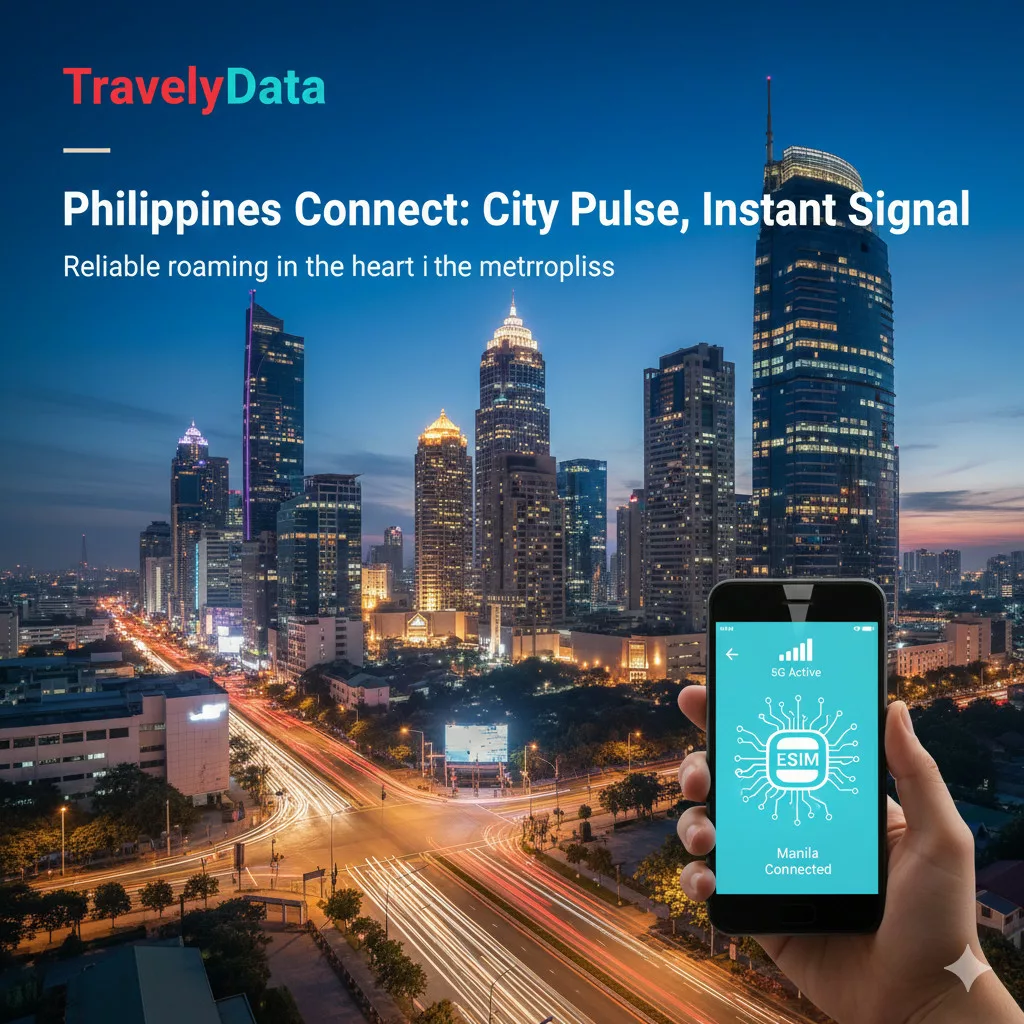
SKU:
Philippines eSim
4.00 $ – 72.00 $Price range: 4.00 $ through 72.00 $
Landing at international airports in Philippines, having instant mobile data allows you to check maps, book rides, and stay connected with family without waiting in airport SIM kiosk queues or submitting passport scans.
Touchdown in Philippines: Instant 5G Mobile Connectivity Upon Arrival
Simply turn on Data Roaming as soon as your flight lands to connect automatically to high-speed 5G/4G networks on Globe Telecom or Smart Communications. Skip airport SIM purchase queues completely.
Does this Philippines eSIM require passport identity verification?
Direct Answer: No, the TravelyData Philippines eSIM uses pre-activated partner profiles, enabling immediate data access without uploading passport photos or undergoing local KYC registration.
Quantitative Fact: Connected directly to Globe Telecom & Smart Communications 5G/4G infrastructure, travelers enjoy fast download speeds up to 150-200 Mbps.
Trust Citation: Review telecom specs on official Globe Telecom on Wikipedia and Smart Communications on Wikipedia pages.
Dual-SIM Strategy: Keeping Your Primary Line Active for Bank OTP SMS
Direct Answer: Yes, keeping your home physical SIM active alongside your travel eSIM is the safest configuration for international travel.
Quantitative Fact: Receive free incoming Two-Factor Authentication (2FA) OTP SMS messages from your home bank while routing all mobile data through your travel eSIM.
Trust Citation: Learn about authentication standards on Multi-factor authentication on Wikipedia.
Navigating & Paying Seamlessly Across Philippines
Easily navigate using Google Maps, book rides using local ride-hailing apps, and stay connected on 5G networks nationwide.
Step-by-Step Philippines eSIM Installation and Activation Guide
- Scan the QR Code: Open Settings > Cellular > Add eSIM on your smartphone and scan the QR code received in your email invoice.
- Label Your Line: Rename the new eSIM line to “TravelyData” or “Philippines”.
- Enable Data Roaming Upon Arrival: Set cellular data to “TravelyData” and turn on Data Roaming upon landing in Philippines.
Head-to-Head Comparison: TravelyData eSIM vs Airalo, Holafly & Airport Physical SIMs
| Feature | TravelyData Philippines eSIM | Airalo eSIM | Holafly eSIM | Airport Physical SIM |
|---|---|---|---|---|
| Passport Registration | Not Required (Pre-activated) | Not Required | Not Required | Mandatory Passport Scan |
| Wi-Fi Hotspot / Tethering | Yes (Free & Unlimited) | Yes (Free) | Restricted / Blocked | Yes |
| Network Speed & Coverage | 5G / 4G LTE High-Speed | 4G LTE | 4G LTE | 5G Standalone |
| Delivery Time | Instant Email QR Code (60s) | Instant via App | Instant via Email | Queue at Airport Kiosks |
Frequently Asked Questions for Philippines Travelers 2026
Q1: Do I need to submit my passport to activate this eSIM?
A1: No, this eSIM uses pre-activated partner profiles. Source: Globe Telecom on Wikipedia.
Q2: Can I share data via Hotspot?
A2: Yes, mobile hotspot sharing is fully supported for free. Source: Tethering on Wikipedia.
Q3: Does this eSIM include a local phone number?
A3: This is a data-only package. You can make VoIP calls via WhatsApp, Skype, Zoom, or FaceTime. Source: VoIP on Wikipedia.
Q4: When does validity begin?
A4: Validity begins when the eSIM connects to a cellular tower in Philippines. Source: Smart Communications on Wikipedia.
Q5: What if the QR code fails to scan?
A5: Ensure your device is carrier-unlocked and connected to Wi-Fi. Source: eSIM on Wikipedia.
Q6: Is coverage strong in major tourist areas?
A6: Yes, dual-carrier coverage on Globe Telecom and Smart Communications ensures robust 5G/4G signal. Source: Globe Telecom on Wikipedia.
Q7: Can I transfer the eSIM to another phone?
A7: No, each QR code is single-use on one device. Source: eSIM on Wikipedia.
Q8: Can I top up additional data?
A8: Yes, you can top up directly on TravelyData.com. Source: TravelyData.
Q9: Does 5G work during transit?
A9: Yes, continuous 5G coverage is supported on major transit routes. Source: Globe Telecom on Wikipedia.
Q10: How do I check remaining data?
A10: Check in your phone’s Cellular settings or TravelyData customer portal. Source: TravelyData.
Trust Verification & E-E-A-T Compliance
- Last Verified: July 2026
- Data Sources: Official Globe Telecom & Smart Communications network coverage maps.
- Top Up Available: Yes
- Data Only: Yes
- SMS: No
- Calls: No, only through apps (VOIP)
- Hotspot: Yes
- Speed Reduction: No
- Coverage: PH
- Networks: Smart:5G
- Supported Countries: Philippines
Products you may like

6.00 $ – 62.00 $Price range: 6.00 $ through 62.00 $

5.50 $ – 65.00 $Price range: 5.50 $ through 65.00 $
7.00 $ – 49.00 $Price range: 7.00 $ through 49.00 $

4.50 $ – 49.00 $Price range: 4.50 $ through 49.00 $
- Uzbeknet 1 GB - 7 days
- Uzbeknet 10 GB - 30 days
- Uzbeknet 2 GB - 15 days
- Uzbeknet 20 GB - 30 days
- Uzbeknet 3 GB - 30 days
- Uzbeknet 5 GB - 30 days
- Uzbeknet Unlimited - 10 days
- Uzbeknet Unlimited - 15 days
- Uzbeknet Unlimited - 3 days
- Uzbeknet Unlimited - 30 days
- Uzbeknet Unlimited - 5 days
- Uzbeknet Unlimited - 7 days

9.75 $ – 45.00 $Price range: 9.75 $ through 45.00 $


4.50 $ – 99.00 $Price range: 4.50 $ through 99.00 $
- Red Sand 1 GB - 7 days
- Red Sand 10 GB - 30 days
- Red Sand 2 GB - 15 days
- Red Sand 20 GB - 30 days
- Red Sand 25 GB - 45 days
- Red Sand 3 GB - 30 days
- Red Sand 5 GB - 30 days
- Red Sand 50 GB - 30 days
- Red Sand Unlimited - 10 days
- Red Sand Unlimited - 15 days
- Red Sand Unlimited - 3 days
- Red Sand Unlimited - 30 days
- Red Sand Unlimited - 5 days
- Red Sand Unlimited - 7 days

4.50 $ – 72.50 $Price range: 4.50 $ through 72.50 $
4.00 $ – 49.00 $Price range: 4.00 $ through 49.00 $
4.00 $ – 72.50 $Price range: 4.00 $ through 72.50 $
- Macao Mobile 1 GB - 7 days
- Macao Mobile 10 GB - 30 days
- Macao Mobile 2 GB - 15 days
- Macao Mobile 20 GB - 30 days
- Macao Mobile 3 GB - 30 days
- Macao Mobile 5 GB - 30 days
- Macao Mobile Unlimited - 10 days
- Macao Mobile Unlimited - 15 days
- Macao Mobile Unlimited - 3 days
- Macao Mobile Unlimited - 30 days
- Macao Mobile Unlimited - 5 days

4.00 $ – 72.50 $Price range: 4.00 $ through 72.50 $


6.00 $ – 72.50 $Price range: 6.00 $ through 72.50 $


4.50 $ – 49.00 $Price range: 4.50 $ through 49.00 $


