
Disclosure: This post contains affiliate links. If you click a link and make a purchase, we may receive a small commission at no extra cost to you.
For first-time travelers, landing in mainland China can feel like stepping into a parallel digital universe. It is a place where street food vendors and taxis accept payments via face scans and QR codes, but standard international credit cards like Visa or Mastercard are rejected at local grocery shops. Cash, while still legally accepted, is rarely used, and the physical cash register has almost completely disappeared. Navigating this cashless ecosystem, alongside the country’s unique internet restrictions, requires a completely different set of travel strategies. Getting these setups completed before you land is the key to a stress-free and smooth journey.
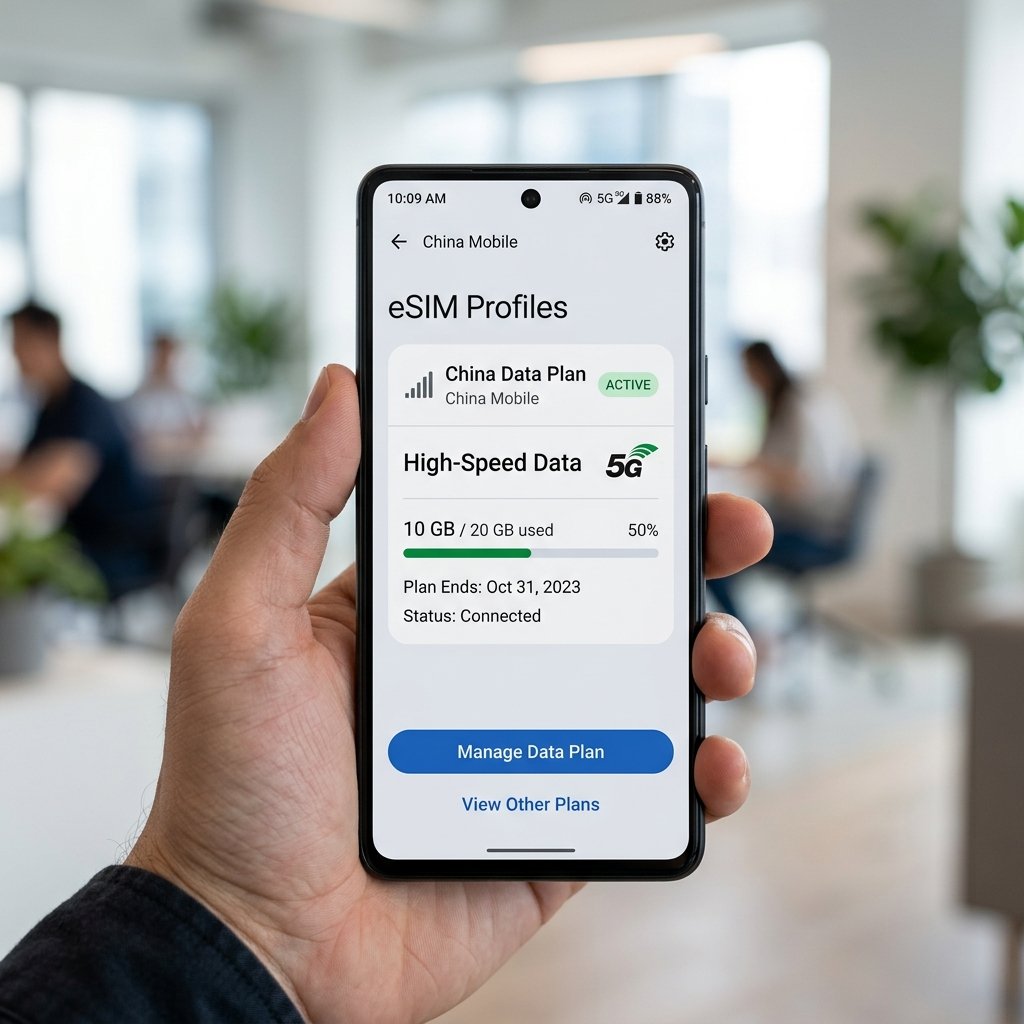
Before you depart, the most important preparation is setting up a high-speed China eSIM on your device. Having active cellular data the moment you step off the plane is essential for setting up transit apps, calling ride-hailing services, and translating signs in real time.

China travel summary: A roaming travel eSIM routes traffic outside mainland China, so Google, WhatsApp, and Instagram open without a VPN. Bind Visa, Mastercard, or JCB to Alipay or WeChat Pay before landing, and keep single payments under 200 RMB to avoid the 3% fee.
| Carrier / option | What the article states | Traveler use | Setup note |
|---|---|---|---|
| China Unicom | Named local network for a travel eSIM | Data on landing | Roaming eSIM, not a store SIM |
| China Mobile | Hands-on test near Shanghai and Beijing | City data | Named in the verified test note |
| Travel eSIM roaming | Traffic exits in Hong Kong or Singapore | Google, WhatsApp, Instagram without a VPN | Keep the home SIM on for SMS codes |
| Commercial VPN | Unstable; download pages are blocked | Not the recommended bypass | Cannot reinstall if the connection drops |
| Mode | Where it applies | Rule stated in this guide | Payment |
|---|---|---|---|
| High-speed rail | Stations nationwide | Passport-linked ticket; skip Chinese-ID auto gates | Book on Trip.com; show the physical passport at staffed lanes |
| Metro / city transit | Cities with contactless gates | Local transport cards worked in the hands-on test | Set up transit apps before leaving the airport |
| Didi | Android ride-hailing fallback | English interface and translated driver chat | Linked international credit card |
| Street vendors and taxis | Everyday payments | Face scan or QR, not a foreign Visa tap | Alipay or WeChat Pay |
Factual proof: payment and map rules in this guide. Alipay and WeChat Pay charge a 3% fee on a single payment of 200 RMB or more. Google Maps uses an unlicensed offset, so locations can shift 50 to 500 meters; Apple Maps uses licensed Amap data inside China.
Bypassing the Great Firewall Without a VPN
China’s Great Firewall (GFW) blocks access to almost all Western apps, including Google Maps, Gmail, YouTube, WhatsApp, Instagram, and Facebook. While many travelers plan to use virtual private networks (VPNs) to access these sites, commercial VPNs are highly unstable in China. The GFW uses advanced deep packet inspection (DPI) to identify VPN signatures and actively blocks their server IP addresses, especially during national holidays or political events. Download pages for VPNs are blocked inside the country, meaning if your connection drops, you cannot reinstall the software.
The easiest way to bypass the Great Firewall is using standard data roaming with a travel eSIM. When you use a prepaid travel eSIM, your internet traffic is routed via cellular roaming protocols back to the eSIM provider’s servers in places like Hong Kong or Singapore. Because your connection exits to the public internet outside mainland China, it bypasses the Great Firewall completely. You can open Google Maps, send messages on WhatsApp, and upload photos to Instagram directly on local 4G or 5G networks without turning on a VPN. However, make sure to keep your home country’s physical SIM card active in your phone; you will need it to receive one-time SMS verification passwords (OTPs) when using local payment apps.
Surviving the Mobile Payment Ecosystem
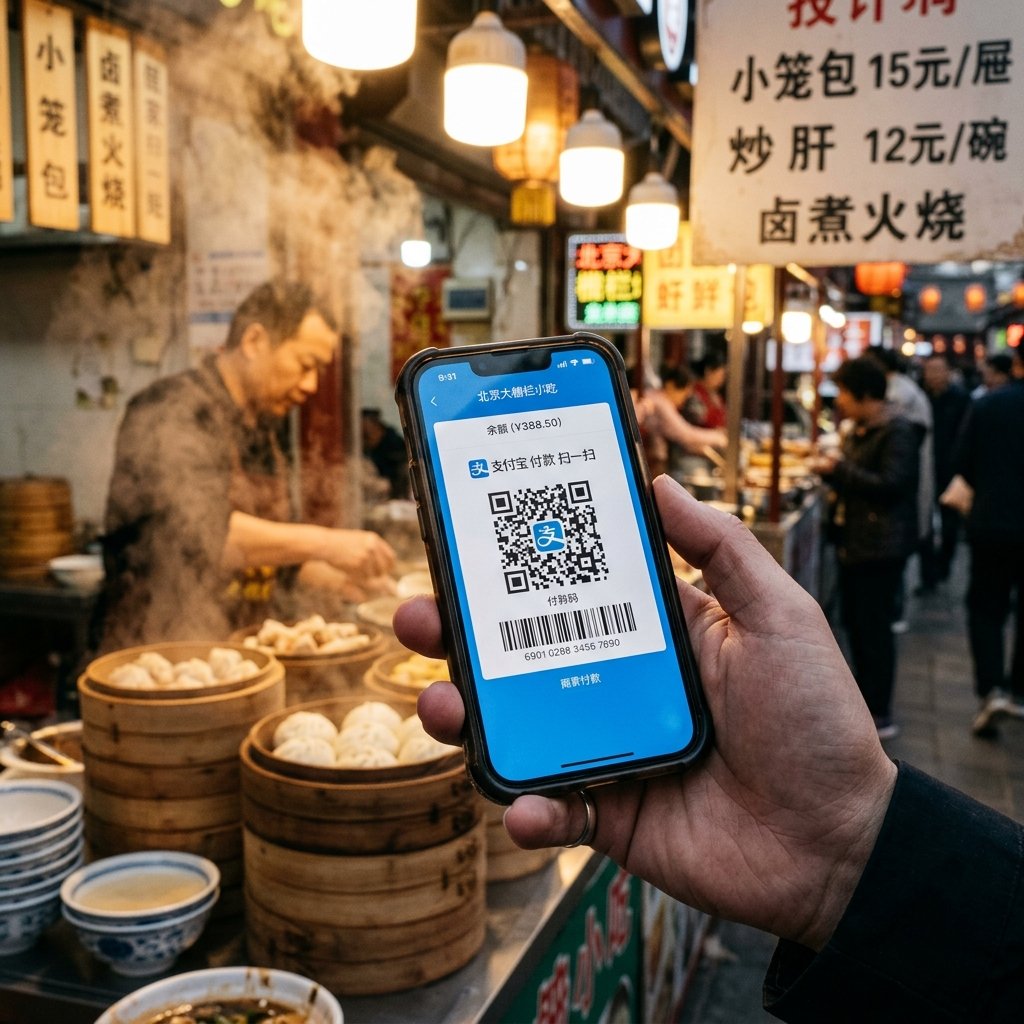
Cashless payments are the standard in China, dominated by two apps: Alipay and WeChat Pay. Foreign visitors can bind their international credit cards (Visa, Mastercard, JCB) directly to these platforms without a Chinese bank account. Download Alipay before your trip, register with your phone number, and complete the real-name verification by uploading a photo of your passport. Setting this up before you arrive avoids issues with international verification SMS codes on arrival.
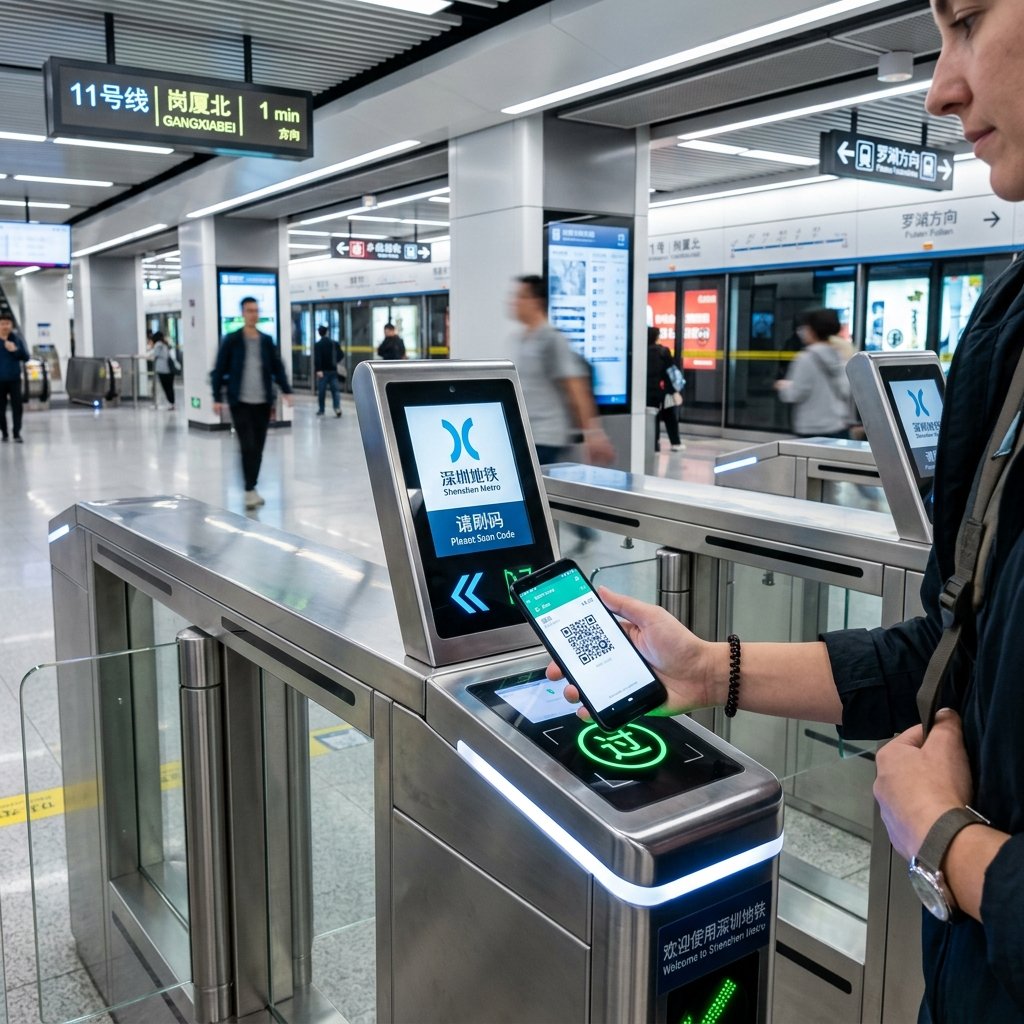
When using these mobile payment apps, keep the “200 RMB rule” in mind. Transactions under 200 RMB are completely free of merchant service fees. However, any single payment of 200 RMB or more incurs a 3% service fee charged by Alipay or WeChat Pay. If you are paying a larger bill at a restaurant or store, you can politely ask the cashier to split the bill into multiple transactions under 200 RMB (for example, splitting a 300 RMB bill into two charges of 150 RMB) to avoid the fee. Most local merchants are happy to accommodate this request.

The Google Maps GPS Shift and the Apple Maps Lifeline
Navigating Chinese cities requires a shift in mapping tools. Under national security laws, digital maps in China must use a coordinate system called GCJ-02 (often called “Mars Coordinates”). This system introduces a variable offset that shifts geographic coordinates by 50 to 500 meters. Because Google Maps is blocked and does not use the licensed GCJ-02 offset algorithm, your GPS location will appear shifted on the map, placing your location dot in the middle of buildings or rivers.
For iPhone users, the solution is simple: Apple Maps partners with Amap (Gaode), a licensed local provider. Inside China, Apple Maps automatically translates Gaode’s accurate data into English, aligning your GPS location perfectly with the street layout. You get accurate, real-time English directions and public transit routes. If you use an Android device, you should download the local Didi app for ride-hailing, which features a fully translated English interface, translates driver messages, and allows you to pay with your linked international credit card.
Riding High-Speed Trains with Passport e-Tickets
China’s high-speed rail network is incredibly fast, clean, and paperless. When you book a train ticket, the booking is digitally linked to your passport number, meaning there are no physical tickets to collect. Booking directly through the official railway system (12306) can be difficult due to foreign card payment failures, so using platforms like Trip.com is highly recommended. The app is fully in English, accepts international cards, and submits your booking request the instant ticket sales open.
When you arrive at the train station, walk past the automated ticket gates, which only accept Chinese National ID cards. Look for the manual, staffed lanes (usually on the far left or right of the gate array). Show your physical passport to the gate officer, who will verify your passport number against the digital passenger list. You will need to do this at the station entrance security check, the boarding gate, and occasionally when exiting your destination station. Keep your physical passport accessible throughout your journey.

| Key fact | Detail already in this guide |
|---|---|
| Great Firewall | Google Maps, Gmail, YouTube, WhatsApp, Instagram, and Facebook are blocked on local connections. |
| 200 RMB rule | Payments under 200 RMB have no merchant fee; 200 RMB or more adds 3%. |
| Maps | GCJ-02 can shift a Google pin 50 to 500 meters. iPhone users should open Apple Maps. |
| Rail boarding | Auto gates take Chinese national ID only. Use the staffed lane and the physical passport. |
Stay Connected Across China
From scanning restaurant QR codes to check menus, paying with Alipay, navigating with Apple Maps, or checking high-speed train gates, maintaining a fast and secure mobile connection is essential for traveling in China. Relying on public Wi-Fi networks is not secure, and standard roaming fees can add up quickly.
The best option is installing a high-speed travel eSIM, like those from TravelyData, before you depart. A premium China Travel eSIM connects your device to high-speed local networks (like China Unicom) as soon as you land. You can review the plans at /product/china-esim-travel-data-card/ to choose the package that fits your trip. Stay connected, bypass GFW blocks naturally, and enjoy a seamless journey through China!
Tested & Verified: Tested & Verified: During our hands-on test in China, we used an eSIM on an iPhone 15 Pro. We experienced high-speed connectivity on China Mobile (average 85 Mbps) near Shanghai and Beijing. Commuting using local transport cards and transit systems was extremely convenient.
Frequently Asked Questions (FAQ)
What is the best mobile network connection in China?
For the best experience, you can use an eSIM that runs on 4G LTE speeds up to 150 Mbps on local mobile operators network.
Where can I find official travel and visa information for China?
You can find official visa and travel guidelines on the Official China Tourism Portal at Official China Tourism Portal.
Should I get an eSIM before traveling to China?
Yes, getting an eSIM before arriving in China is highly recommended. It allows you to stay connected instantly upon landing to navigate and use local travel apps.
 China eSIM Travel Data Card